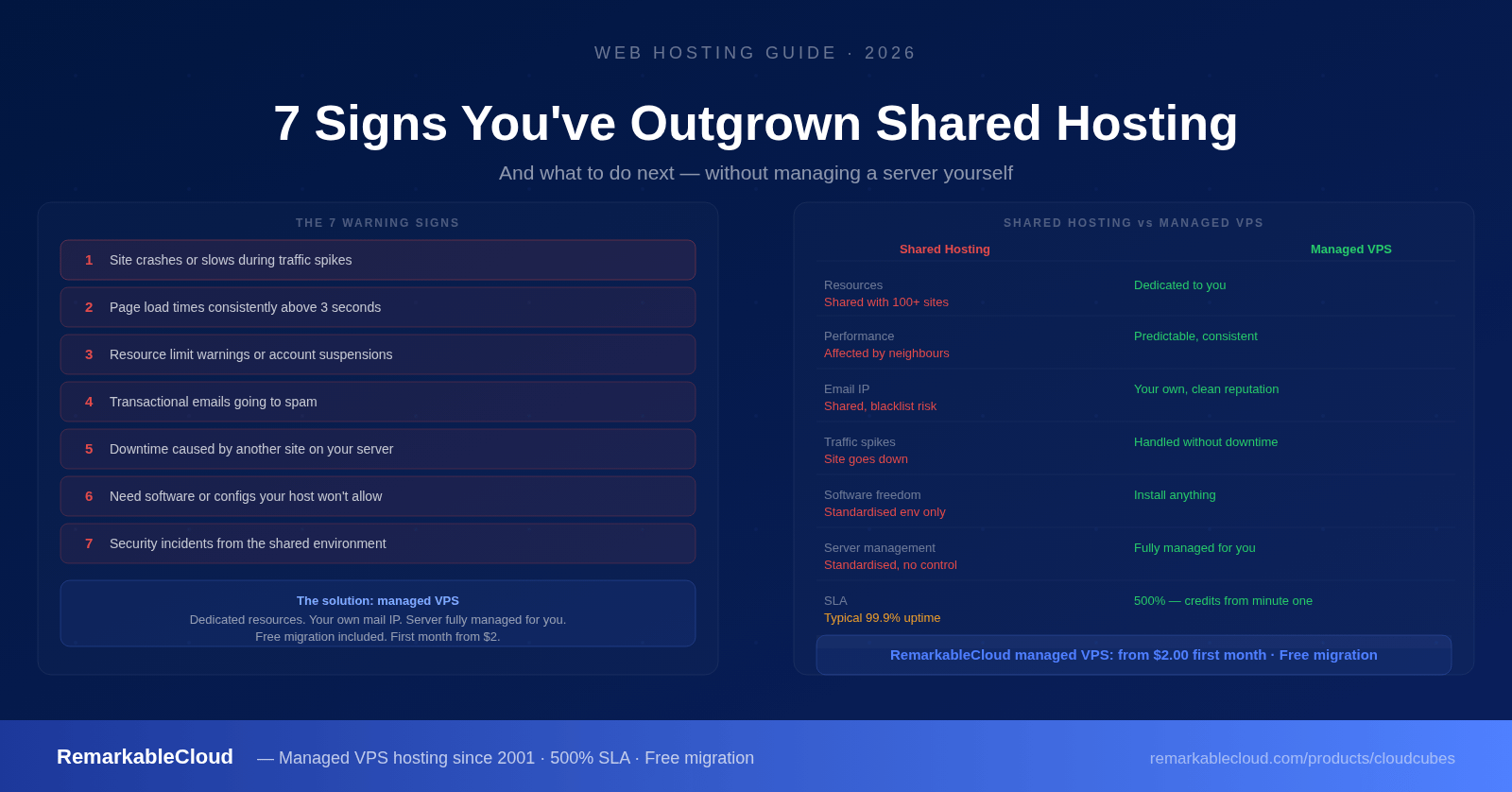
7 signs you've outgrown shared hosting — and what to do next
Shared hosting is the right starting point for most websites. It's cheap, simple, and requires zero server knowledge. But it's built on a fundamental compromise: your site shares a server with dozens or hundreds of other sites, all competing for the same CPU, RAM, and disk I/O.
That compromise is invisible when traffic is low and the site is simple. It becomes very visible as your business grows. The signs are specific and recognizable — and once you know what to look for, the path forward is clear.
- Your site slows down or crashes during traffic spikes
- Page load times are consistently above 2–3 seconds
- Your host has limited or suspended your account for resource overuse
- You're hitting email deliverability problems
- You've been affected by another site on your shared server
- You need software or configurations your host won't allow
- Security incidents or vulnerabilities traced back to shared environment
Sign 1: Your site crashes during traffic spikes
Traffic spikes take your site down
You get mentioned in a newsletter, your product gets picked up on social media, or a campaign goes better than expected. Traffic doubles for an hour — and your site returns a 503 error or times out completely. On shared hosting, each site is capped at a maximum number of simultaneous PHP workers and memory. When you hit the cap, additional requests queue and then fail. The cap that was fine for 50 concurrent visitors becomes a ceiling at 200.
This isn't a fixable problem on shared hosting — it's the design. The cap exists to protect the other sites on your server. The only way around it is to have your own resources.
Sign 2: Consistently slow load times
Pages load in 3, 4, or 5 seconds even with no traffic spike
On shared hosting, your server response time (TTFB — Time to First Byte) is affected by every other site on the machine. When a neighbouring site runs a database-intensive operation or gets a traffic burst, your TTFB increases even though your site isn't doing anything. A caching plugin helps but can't fix a slow server response. If your TTFB is consistently above 600ms and caching is already configured, the problem is the shared environment, not your site.
Google's Core Web Vitals use TTFB as part of the ranking signal for Largest Contentful Paint. A slow shared server directly affects your search rankings, not just user experience.
Sign 3: Resource limit warnings or account suspensions
Your host has warned or throttled you for resource usage
Most shared hosts enforce "fair use" CPU and memory limits that aren't clearly stated in the plan details. When you exceed them — even briefly, even for legitimate reasons like a traffic surge or a scheduled backup — you receive a warning email, get throttled, or in some cases get your account suspended until you upgrade or reduce usage. If this has happened once, it will happen again as your site grows.
Sign 4: Email ending up in spam
Transactional emails go to spam or don't arrive
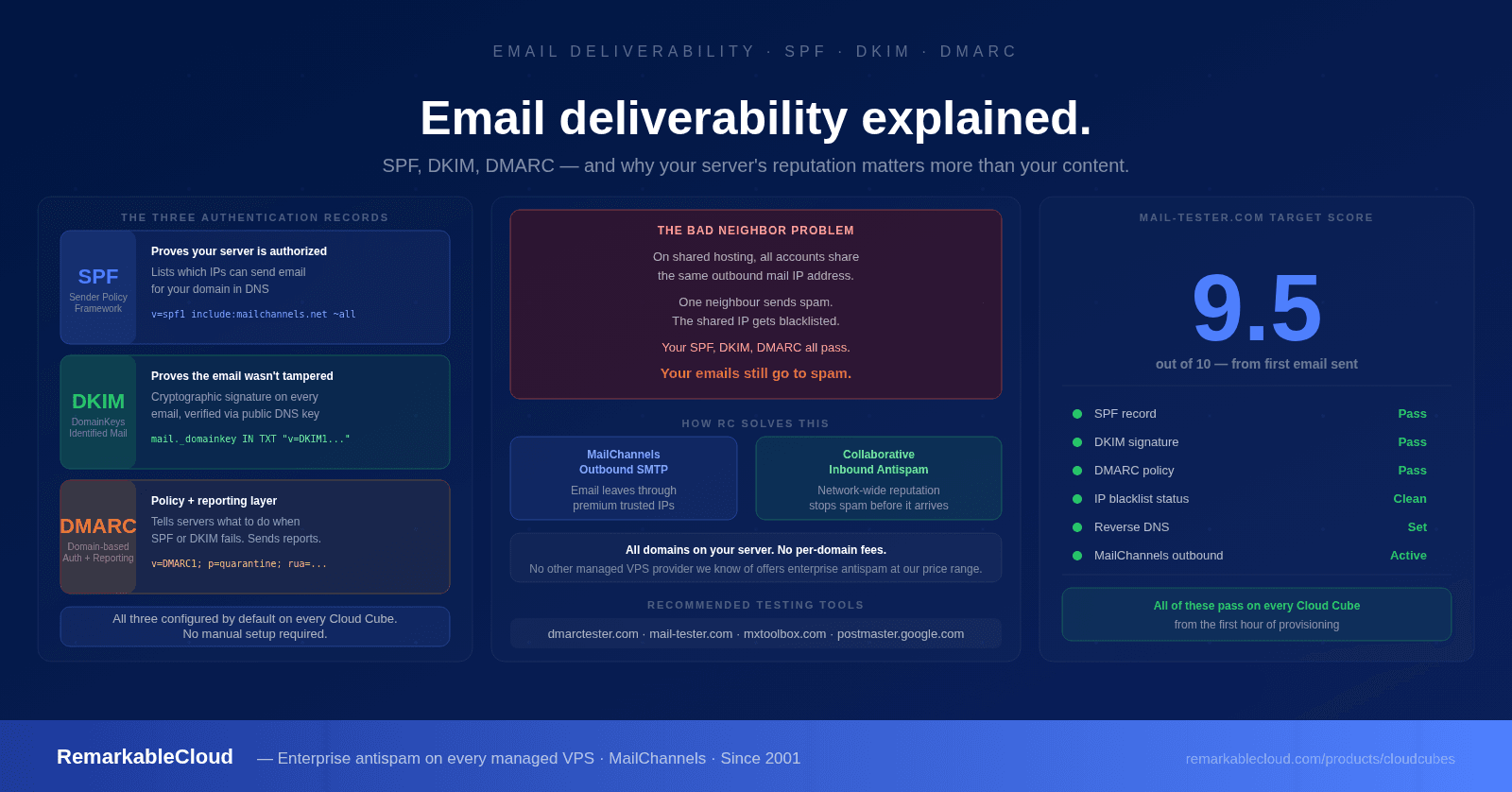
On shared hosting, all sites on the server share the same outbound mail IP address. If any of those sites — or any previous tenant of that IP — sent spam, the IP is on blacklists. Your order confirmations, password reset emails, and contact form notifications are marked as spam or silently discarded before they ever reach your customers. You can't fix this: you don't control the IP, and you can't see who else is sending from it.
This is one of the most damaging and least visible shared hosting problems. Customers who don't receive order confirmations assume their order didn't go through. Those who don't receive password resets can't log in. The problem is invisible to you until customers start complaining.
Sign 5: You've been affected by a neighbour site
Another site on your server caused your downtime or slowdown
If your host has ever told you that your site's performance issue was caused by "heavy resource usage from another account" — this is the clearest possible sign that shared hosting has become a liability. You've experienced collateral damage from someone else's site. That someone else could be anyone, running anything, and you have no way to know who they are or when it will happen again.
Sign 6: You need software your host won't allow
You need specific PHP versions, custom modules, or server-level configuration
Shared hosts run a standardised environment that works for the majority of WordPress sites. When you need a specific PHP version, a custom PECL extension, a particular Redis configuration, a cron job that runs every minute, or the ability to run Node.js alongside PHP, you'll often find your hands tied. The host can't change the server environment for one tenant without affecting all the others. Your requirements are legitimate; the shared environment simply can't accommodate them.
Sign 7: Security concerns from the shared environment
A security incident was linked to another account on your server
Cross-site contamination is a real risk on shared hosting. If one account on the server is compromised and the host hasn't properly isolated file system access between accounts, malware can spread to adjacent sites. PHP scripts from compromised neighbours can sometimes read files in other home directories. This isn't hypothetical — it's a documented class of shared hosting vulnerability. If your site handles any customer data, payment information, or sensitive business information, you need an environment where your files are yours alone.
What actually changes when you move to a VPS
The core difference is isolation and dedicated resources. On a VPS, the CPU, RAM, and disk I/O you pay for are yours. No neighbours, no caps shared with anyone else, no collateral damage.
- CPU and RAM shared with 100+ other sites
- Performance affected by neighbour activity
- Shared outbound mail IP — blacklisting risk
- Fixed, standardised server environment
- Resource caps enforced by "fair use" policies
- No root access — can't install custom software
- File system not fully isolated between accounts
- Traffic spikes can take your site offline
- Dedicated CPU, RAM, NVMe — all yours
- Performance is predictable and consistent
- Your own IP address and mail gateway
- Install any software, any configuration
- No fair-use caps — use what you pay for
- Full root access to the server
- Complete file system isolation
- Handle traffic spikes without downtime
But I don't want to manage a server
This is the most common reason people stay on shared hosting longer than they should. The assumption is that "VPS" means "you manage everything" — and for unmanaged VPS, that's true. But managed VPS is different.
On a managed VPS, the hosting provider handles the server layer: OS updates, security patching, monitoring, backups, firewall management, and incident response. You have full root access and control over what runs on the server, but you don't touch the operational side. It's your server; someone else runs it.
RemarkableCloud handles all of the following on every managed Cloud Cube:
- OS and kernel updates, applied proactively
- Security patches, including zero-day response
- Proactive 24/7 monitoring — issues fixed before you notice
- Daily automatic snapshots with offsite storage
- Free S3 backup storage (2x your NVMe disk size)
- Managed firewall and intrusion detection
- MailChannels SMTP and Rspamd mail gateway — your own IP, clean reputation
- DDoS protection on a 50 Gbps protected network
- RemarkablePanel control panel (first account free)
- Free server migration — we move your existing site at no cost
- 24/7 human support
- 500% SLA — 1 hour down credits 5 hours back, from minute one
How the migration works
Moving from shared hosting to a managed VPS feels more complicated than it is. The technical steps are straightforward, and RemarkableCloud handles the server migration for you at no cost.
- Choose your plan. For a single WordPress site migrating from shared hosting, the Basic 2GB plan ($8/month, first month $2) is usually the starting point. For agencies moving multiple client sites or higher-traffic stores, the Shared 8GB Cloud Cube is the more common choice.
- We set up and migrate. RemarkableCloud's team handles the server configuration and moves your site, database, and email. You don't do the technical work.
- Test before you switch DNS. Your migrated site runs on the new server before DNS changes. You verify everything works correctly — pages, forms, email, checkout — before pointing your domain.
- Switch DNS. Update your domain's DNS records to point to the new server. Propagation takes minutes to a few hours. Your site is live on the new infrastructure.
- Cancel shared hosting. Once DNS has propagated and everything is working, cancel your shared hosting plan.
The total process typically takes less than 24 hours. For most sites, the visible change is immediate: faster load times, no more resource warnings, and email that arrives in the inbox.
Free migration is included with every Cloud Cube. We move your site from shared hosting to your new managed VPS. You don't touch the server.
See plans from $2 first month →Your site has outgrown shared hosting. Your next server shouldn't need managing.
Fully managed VPS with dedicated resources, your own mail IP, 500% SLA, and free migration from shared hosting. First month from $2.00.
See Cloud Cube plans