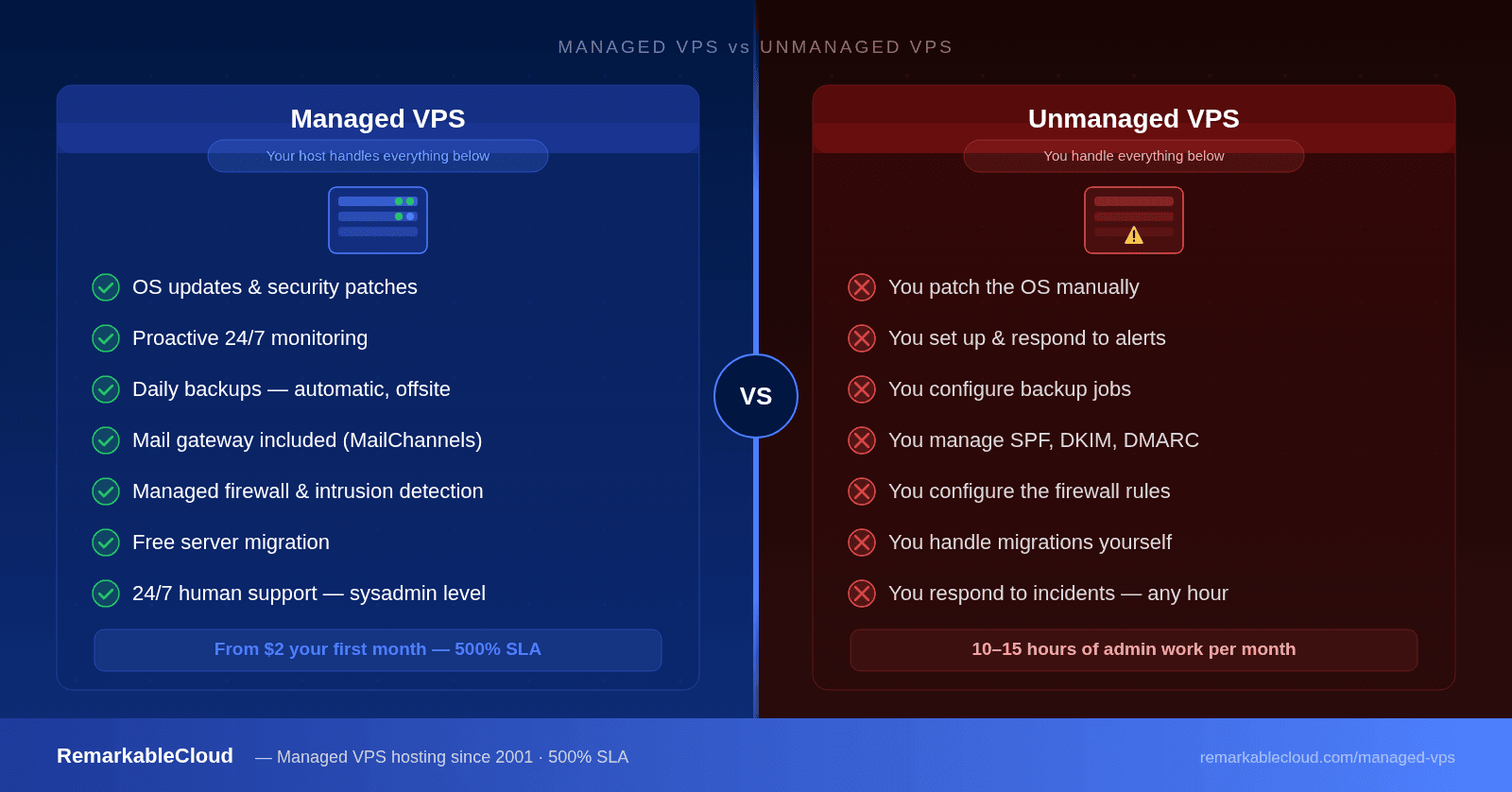
Managed VPS vs unmanaged VPS: what you actually get
You've outgrown shared hosting. You're looking at VPS options and two words keep coming up: managed and unmanaged. The price difference is real — sometimes 2× or more — and you're trying to figure out if managed VPS is worth it or just a marketing premium.
The short answer: it depends on how much you value your time and how comfortable you are administering a Linux server. The long answer — what each option actually includes, what the real total cost looks like, and who belongs on which — is what this article covers.
- Managed VPS means your host handles OS updates, security, monitoring, backups, and support — unmanaged means you do all of that yourself.
- The price gap is real, but so is the time cost — unmanaged VPS can add 5–10 hours per month in admin work.
- Most businesses, agencies, and developers who aren't full-time sysadmins get more value from managed VPS.
- Not all "managed" hosting is equal — what's included varies significantly between providers.
What is a managed VPS?
A managed VPS is a virtual private server where the hosting provider handles the technical operation of the server on your behalf. You get dedicated resources — your own allocated CPU, RAM, and storage — plus a team that manages everything underneath your applications.
What "managed" covers depends on the host, but a genuinely fully managed VPS should include all of the following without extra charges:
- Operating system updates and security patches
- Server-level firewall configuration and intrusion detection
- Proactive monitoring — issues identified and resolved before they affect you
- Daily backups with restore capability
- Mail gateway management (inbound and outbound antispam)
- DDoS protection at the network level
- 24/7 support from actual system administrators
The key phrase is before they affect you. On a well-managed VPS, you shouldn't know the server had a problem because your host already fixed it. That's the actual value proposition — not just help when things break, but prevention of things breaking in the first place.
RemarkableCloud includes all of the above on every plan — monitoring, security, backups, mail gateway, and 24/7 sysadmin-level support from day one.
See what's included →What is an unmanaged VPS?
An unmanaged VPS gives you a bare server with root access and nothing else. You get the hardware, the network connection, and a base OS install. Everything that runs on that server — security, updates, configuration, monitoring, backups — is entirely your responsibility.
This isn't a criticism. Unmanaged VPS is a legitimate, excellent choice for experienced system administrators who want complete control without paying for services they can handle themselves. For the right person, it's exceptional value.
The problem is that "unmanaged" is sometimes sold to people who don't fully understand what they're taking on. Running a secure, well-tuned VPS isn't complicated if you know Linux. If you don't, it's a significant ongoing time commitment — and the consequences of getting it wrong (compromised servers, mail blacklisting, unexpected downtime) are expensive.
The real difference: what you're responsible for
This table covers every major area of server operation. Where you see differences in the unmanaged column, that responsibility falls entirely on you.
| Responsibility | Managed VPS | Unmanaged VPS |
|---|---|---|
| OS security patches | Host handles automatically | You run updates manually |
| Firewall configuration | Managed and monitored | You configure from scratch |
| Intrusion detection | Active monitoring included | You install and configure |
| Proactive monitoring | Issues fixed before you notice | You set up and respond to alerts |
| Daily backups | Automatic and offsite | You configure backup jobs |
| Mail deliverability | Gateway included (MailChannels + Rspamd) | You manage SPF, DKIM, DMARC, IP reputation |
| DDoS protection | Network-level, always on | Depends on provider |
| Control panel | Often included free | You install and license separately |
| Server migration | Free, handled by the host | You handle entirely |
| Technical support | 24/7 sysadmin-level help | Infrastructure only — not your config |
| Incident response | Host responds and resolves | You respond at any hour |
The cost people don't calculate
The price on the hosting page is only part of the cost. Unmanaged VPS requires real, ongoing time investment — whether that's your own hours or a developer you pay.
At an average developer rate of $75–$150/hour, 12 hours of monthly server admin work costs $900–$1,800. Most managed VPS plans cost a fraction of that. Even at $30/hour valuing your own time, the math often favors managed — and that's before accounting for the stress of handling a 2 AM incident.
What good management actually looks like
The term "managed hosting" is overused and under-defined. Some hosts call themselves managed because they'll reboot a server when you submit a ticket. Others — like a host that's been doing this since 2001 — run genuinely proactive operations where most issues are resolved before customers ever know about them.
Here's what separates real management from nominal management:
Proactive vs reactive monitoring
Real managed hosting means your host's monitoring catches a disk filling up, a runaway process, or a suspicious login attempt and acts on it — without you opening a ticket. Reactive "managed" hosting means they'll respond when you report a problem. The difference in practice is whether you sleep through incidents or wake up to them.
Mail deliverability is a full-time job
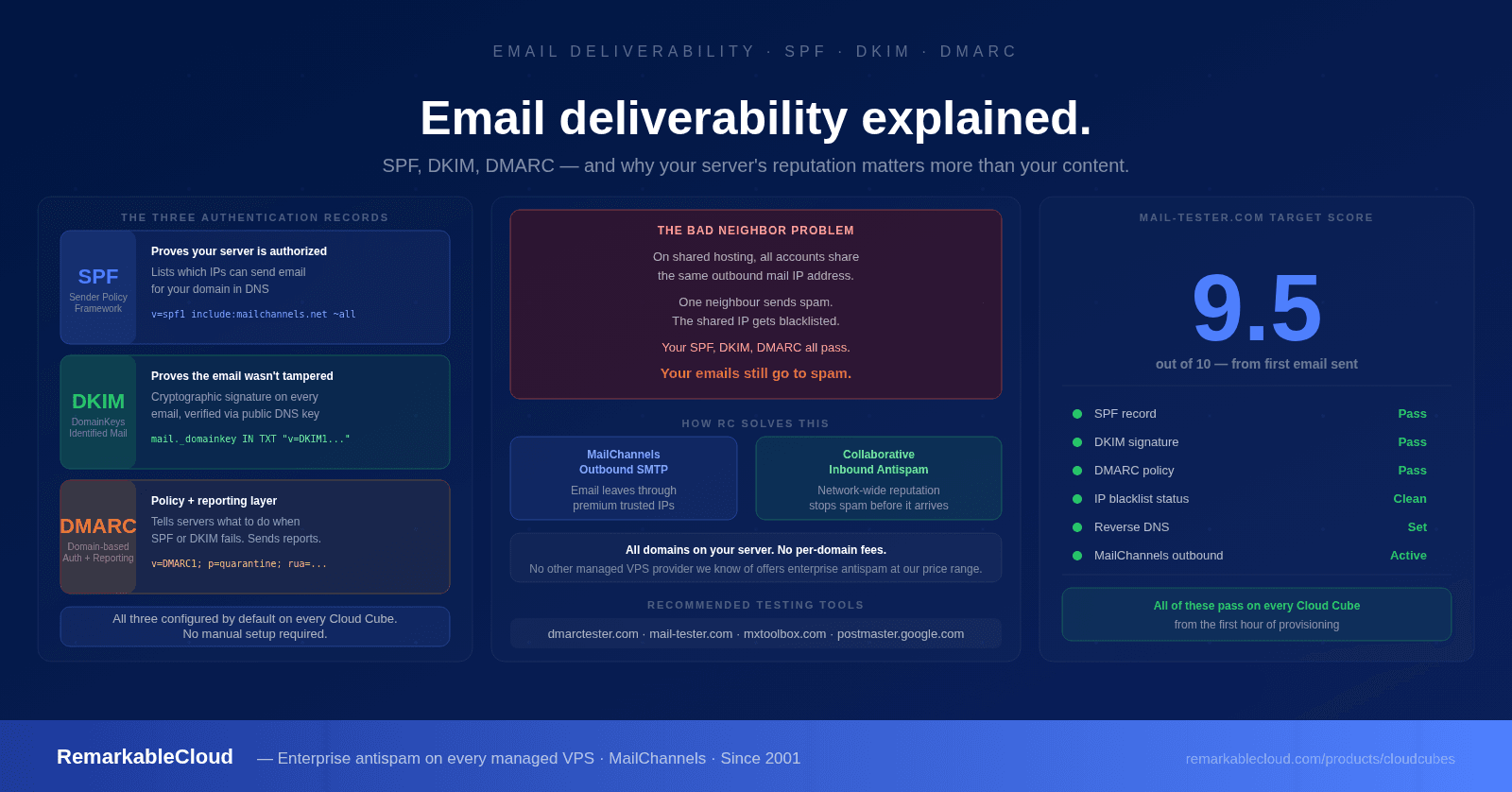
Email on a VPS isn't just installing a mail server. It's managing SPF, DKIM, and DMARC records, monitoring IP reputation, handling bounce rates, ensuring you're not on any blacklists, and routing outbound mail through a reliable SMTP service. On managed VPS at RemarkableCloud, MailChannels SMTP and Rspamd gateway are included — your emails land in inboxes without you touching any of this. On an unmanaged VPS, this is your problem entirely, and it's a surprisingly common reason businesses move to managed hosting.
Security is ongoing, not a one-time setup
A firewall you set up in 2023 doesn't protect against vulnerabilities discovered in 2026. Real server security means someone is actively monitoring your server, applying patches as they're released, and adjusting rules as the threat landscape changes. On an unmanaged VPS, that person is you.
Who should choose managed VPS
- You run a business and server admin isn't your core skill
- You manage client sites and want reliability without ops overhead
- Your time is worth more than the cost difference
- You've had a shared hosting server get hacked or blacklisted
- You need email to just work without configuring SMTP relay
- You want accountability — someone responsible when things go wrong
- You're migrating from cPanel and don't want to rebuild everything
- You're a Linux sysadmin comfortable with the full stack
- You're running dev/test environments where downtime doesn't matter
- You want complete control over every layer of the server
- You're building infrastructure for a team and managing it is part of the job
- Budget is the primary constraint and time is not
The SLA question — what happens when something goes wrong
On an unmanaged VPS, when something goes wrong, the host is responsible for the hardware and network — and nothing else. If your application crashes, your disk fills up, or your server gets compromised, that's your problem to solve at whatever time it happens.
On a managed VPS, the host is accountable for the server environment. That accountability should be backed by a real SLA — not the standard "99.9% uptime" language that only kicks in after 43 minutes of downtime per month.
RemarkableCloud's 500% SLA credits you 5× the downtime duration, automatically, from minute one. One hour down equals five hours credited back. It's a very different way of thinking about accountability — and it's something no unmanaged VPS can offer because with unmanaged, the host isn't accountable for what happens inside the server.
Tired of managing your own server?
RemarkableCloud's managed VPS starts at $2 your first month. Every plan includes full management, monitoring, backups, mail gateway, and a free control panel — no addons required.
See managed VPS plansManaged VPS pricing: what you're actually comparing
When you see an unmanaged VPS at $6/month and a managed VPS at $18/month, you're not comparing the same product. You're comparing hardware + network vs hardware + network + an entire operations team.
The numbers will be different for you depending on your hourly rate and how much admin work you'd actually need to do. But the point stands: the sticker price of unmanaged VPS is almost never the total cost.
Common misconceptions about managed VPS
"Managed means I lose control"
This is the most persistent myth. Managed VPS still gives you full root access — you can install any software, configure your stack exactly as you want, and make any change you'd make on an unmanaged server. Management means your host handles the operational layer, not that they restrict you. Think of it like having a facilities team that maintains your office building — you can still rearrange your own furniture.
"I can always hire a sysadmin later when I need one"
By the time you need one urgently, you're usually in the middle of an incident. A 2 AM compromised server isn't the right moment to start interviewing. Managed hosting gives you that team from day one, without the overhead of hiring full-time.
"Managed hosting is only for enterprises"
Managed VPS on RemarkableCloud starts at $8/month — or $2 for your first month. That's not enterprise pricing. It's accessible to solo developers, small agencies, and growing startups who need reliable infrastructure without the ops complexity.
Making the decision
Here's the simplest way to decide: ask yourself how many hours per month you want to spend thinking about your server. If the answer is zero — or close to it — managed VPS is the right choice. If you genuinely enjoy that work and have the skills to do it well, unmanaged gives you more control at a lower line-item cost.
For most businesses, agencies, and developers building things on the web, managed VPS is the choice that makes your work go faster because your server stops being a variable you have to think about.
RemarkableCloud has been managing servers since 2001. Every plan includes everything — no addons, no tiers of support, no surprises.
Learn what's included →