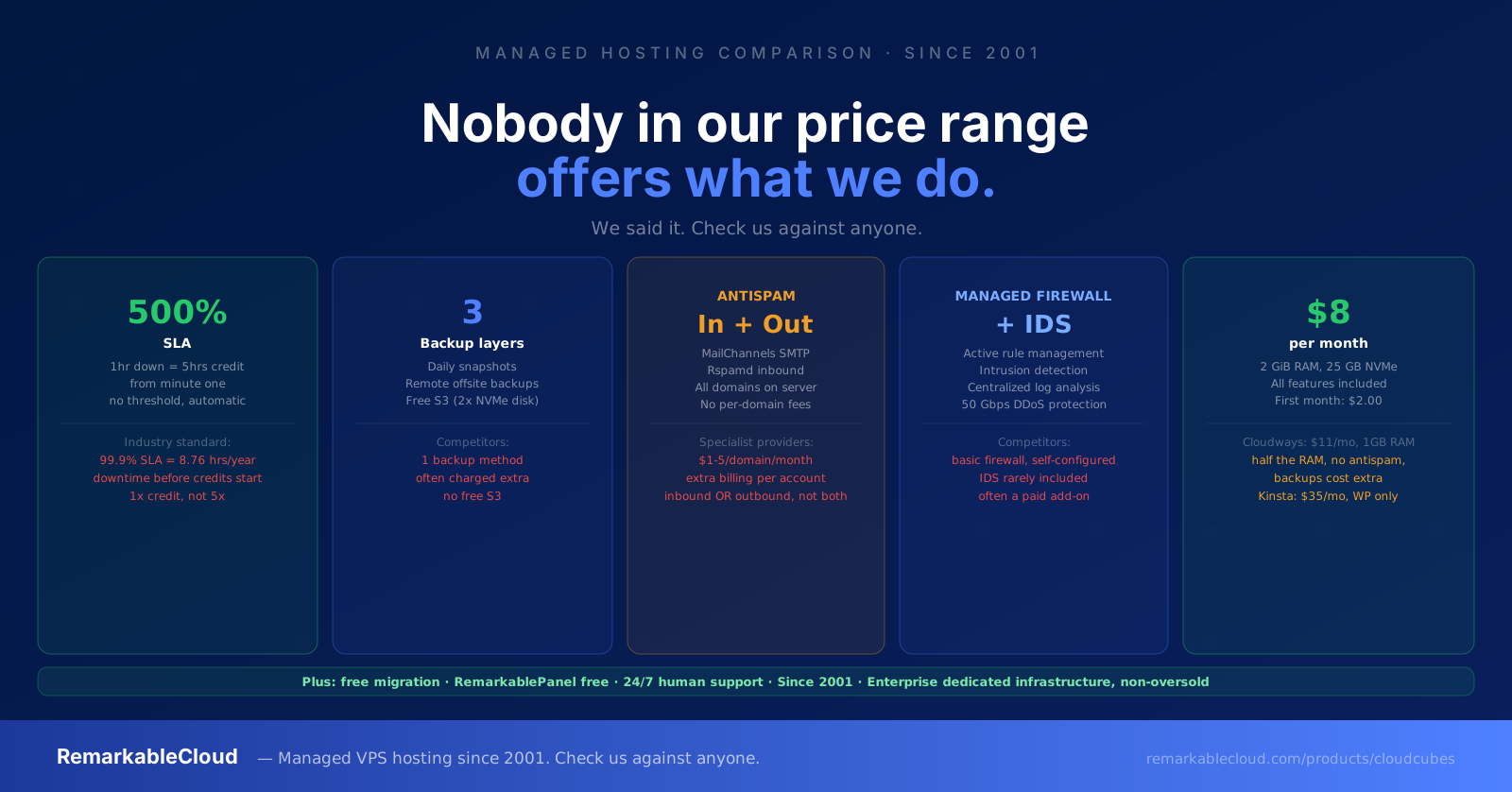
Nobody in our price range offers what we do. We said it.
We have been managing servers since 2001. We know what "managed hosting" means, and we know what it usually delivers. This is an honest comparison of what RemarkableCloud includes versus what you get at comparable prices elsewhere.
Check us against anyone. We welcome it.
The managed hosting market has a language problem. "Managed" means something very specific to us. It means something much narrower at most other providers. Knowing the difference is the only way to compare fairly, so let us start there.
At most managed hosts, "managed" means they handle the server infrastructure: hardware, network, and hypervisor. Some extend that to OS-level updates. Almost none extend it to your application, your email reputation, your backups in multiple independent locations, or the kind of support that helps you solve a problem rather than telling you it's your problem.
At RemarkableCloud, managed means the server is our problem. All of it. Here is what that looks like in practice.
The 500% SLA: the only one in the industry
- 500% SLA: every minute of downtime = 5 minutes credited
- Credits start from minute one, no threshold
- Applied automatically, no claim required
- No minimum downtime period to qualify
- 99.9% uptime = 8.76 hours of allowed downtime per year
- Credits only after the SLA threshold is breached
- Usually 1x credit: 1 hour down = 1 hour credited
- You file a ticket and prove the downtime
A standard 99.9% SLA means your provider can take your site offline for almost 9 hours a year and owe you nothing. Ours means they owe you 5x compensation from the first minute of any downtime. That is not a minor difference: it is a fundamentally different level of accountability.
Three independent layers of backup
- Daily automatic snapshots: fast local restore
- Remote offsite backups: independent of server location
- Free S3 backup storage: 2x your NVMe disk size (e.g. 2GB plan = 50 GB free S3)
- All three run independently, with no single point of failure
- Included in every plan, no add-on pricing
- Cloudways: automated backups charged at $0.033/GB per server, not free
- Kinsta: daily backups included but only one method, no S3
- WP Engine: daily backups included on most plans, no free S3
- Most VPS providers: no backup at all unless you configure it yourself
Three independent backup systems means a catastrophic failure in one does not wipe your recovery options. A single daily backup to one location means one failure scenario takes everything. We made the three-layer decision because it is the right one for production workloads, not because it is the minimum requirement for marketing copy.
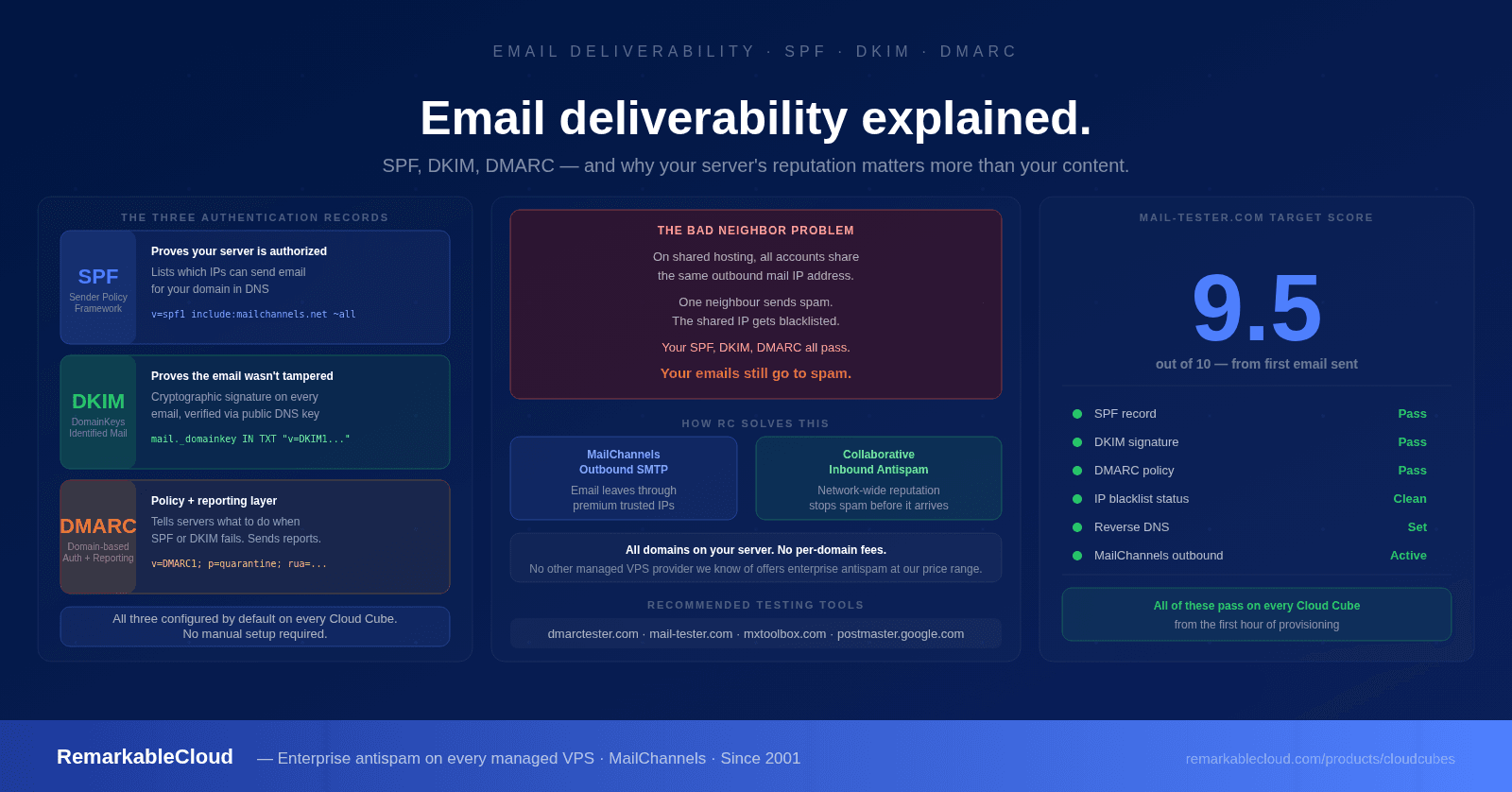
Inbound and outbound antispam: free, for every domain on your server
- MailChannels outbound SMTP: premium delivery, clean IP reputation
- Rspamd inbound gateway: filters spam before it reaches your mailbox
- Covers every domain and email account on the server
- No per-domain fees, no per-account fees, no add-on cost
- Inbound and outbound: both layers included
- SpamExperts/Hornetsecurity: $1-5/domain/month billed separately
- MailChannels as a standalone: charged per sending domain
- Most managed hosts: no outbound antispam; shared IP, shared reputation
- VPS providers: no mail protection at all, you configure from scratch
Email deliverability is invisible until it breaks. When your shared outbound IP gets blacklisted because another server tenant sent spam, your order confirmations go to spam and your customers think their orders didn't go through. We give every server its own outbound mail gateway with a clean reputation. That is not a premium add-on. It is included.
Managed firewall and IDS: active protection, not passive infrastructure
- Managed firewall: rules reviewed and updated proactively
- Intrusion Detection System: active threat monitoring
- Centralized log analysis: alerts before issues become incidents
- DDoS protection: 50 Gbps protected network infrastructure
- We respond to threats, not just report them
- Cloudways: basic firewall, you configure rules yourself
- Standard VPS: you set up UFW or iptables from scratch
- Most managed hosts: network firewall at datacenter level, nothing more
- IDS: rarely included, usually an expensive add-on
What "fully managed" actually means here
This is the area where the marketing copy diverges most sharply from the reality. Most providers use "managed" to mean they handle the hardware and network layer. Ask them for help with a WordPress plugin conflict or a PHP configuration issue and the answer is typically: "That's your application. Contact your developer."
We don't operate that way. We have been helping customers solve problems that technically fall outside the server layer since 2001, because it's the right thing to do, and because customers who feel genuinely supported don't leave.
We help where others say it's not their problem.
Server issue, application issue, email deliverability issue, performance issue: if it's affecting your site and you're a RemarkableCloud customer, it's our concern. We don't draw the line at the OS and tell you the rest is yours.
This is not a promise we make lightly. It is a commitment we have sustained for 25 years. The hosting industry has a long tradition of providing exactly the infrastructure specified in the contract and nothing more. We have built our business on the opposite approach.
The price comparison that makes it concrete
The claims above only matter if the price is fair. Here is what you get from the major managed hosting providers in the $8 to $40/month range, for a comparable workload:
First month $2
- ✓ Fully managed: OS, security, monitoring
- ✓ 500% SLA from minute one
- ✓ 3 backup layers incl. free S3
- ✓ Inbound + outbound antispam
- ✓ Managed firewall + IDS
- ✓ RemarkablePanel free
- ✓ Free migration
- ✓ 24/7 human support
- ✓ DDoS protection 50 Gbps
- ~ Managed: server layer only
- ✗ Standard SLA, no multiplier
- ✗ Backups charged at $0.033/GB
- ✗ No antispam included
- ✗ Basic firewall, self-configured
- ✗ No control panel (custom panel)
- ~ 1 free migration, then $25+
- ~ 24/7 support (ticket + chat)
- ~ Cloudflare DDoS via add-on
- ~ Managed: WordPress-specific only
- ✗ Standard 99.9% SLA
- ~ Daily backups, 1 method
- ✗ No antispam included
- ~ Cloudflare Enterprise CDN
- ✗ WordPress only, no general VPS
- ✓ Free migration
- ✓ 24/7 support
- ~ Visit caps: pay more if exceeded
- ✗ Not managed: you do everything
- ✗ No SLA credits
- ✗ No backups included
- ✗ No antispam
- ✗ No firewall management
- ✗ No control panel
- ✗ No migration help
- ✗ Ticket support only
- ✗ Basic network protection only
The $2 difference between RC at $8/mo and an unmanaged VPS at $6/mo buys everything on the RC list. The $27 difference between RC and Kinsta buys you a narrower product (WordPress only, with visit caps) that still doesn't include antispam or a meaningful SLA.
The full feature comparison
| Feature | RemarkableCloud | Cloudways | Kinsta | Unmanaged VPS |
|---|---|---|---|---|
| Starting price | $8/mo ($2 first month) | $11/mo | $35/mo | ~$6/mo |
| SLA | 500% from minute one | 99.99% standard credits | 99.9% | None |
| Backup layers | 3 (snapshots + remote + S3) | 1, charged extra | 1 daily | None included |
| Free S3 backup storage | Yes: 2x your NVMe disk | No | No | No |
| Outbound antispam | Yes: MailChannels, all domains | No | No | No |
| Inbound antispam | Yes: Rspamd, all domains | No | No | No |
| Managed firewall + IDS | Yes | Basic firewall | Cloudflare WAF | No |
| DDoS protection | 50 Gbps network | Via Cloudflare add-on | Cloudflare Enterprise | Basic / none |
| Control panel | RemarkablePanel free | Custom panel (no cPanel) | MyKinsta (WP only) | None |
| Free migration | Yes, always | 1 free, then $25+ | Yes | No |
| Help beyond server layer | Yes | No | WordPress-specific | No |
| Operating since | 2001 | 2011 | 2013 | N/A |
| WordPress-only restriction | No restriction: any stack | No | Yes | No |
| Visit/bandwidth caps | No caps: use what you pay for | No | Yes, overage charges apply | No |
Why we can offer this at $8/month
The honest answer is that we have been doing this for 25 years. Our operational processes are efficient because we built and refined them over a long time, not because we cut corners on what's included. We run on enterprise dedicated infrastructure with 100% NVMe, non-oversold. We don't use resold cloud slices or shared hypervisors.
We also don't have a venture-backed marketing budget or hundreds of millions in raised capital to subsidize artificially low introductory pricing. What we have is a sustainable business that has been profitable and operational since 2001. The $8/month is what we charge because it's fair, not because we're burning investor money to acquire customers and will raise prices later.
See everything included in every Cloud Cube. First month from $2.00. No contracts, free migration.
See Cloud Cube plans →Managed hosting since 2001. 500% SLA. Everything included.
Three backup layers, full antispam, managed firewall, free S3 storage, RemarkablePanel, free migration, 24/7 human support. From $8/month. First month $2.
See Cloud Cube plans